
Dogs are popular on the internet, and you can find many famous dog influencers and stars with large fanbases. While some dogs become famous due to luck, there are some proven methods that can help boost a dog’s exposure and increase their popularity.
With some time and consistency, it’s possible to increase your dog’s chances of becoming a shining star. Here are some helpful and practical tips on how you can make your dog famous and show the rest of the world how special and lovable they are.

The 7 Tips to Make Your Dog Famous
1. Work on Obedience Training
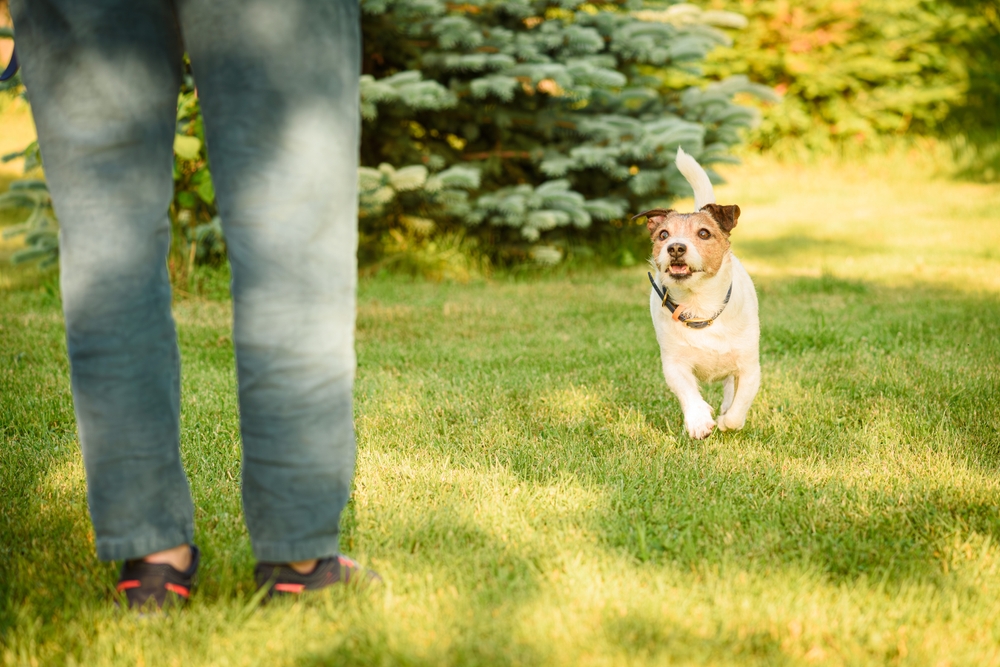
While obedience training is important and essential for any dog, it’s exceptionally useful for dogs that are working towards stardom. Learning basic commands, like “sit” and “lie down,” can help immensely with photoshoots and meeting new people.
It’s also important to socialize your dog to prevent them from feeling stressed out when they’re in new environments. So, make sure to establish a strong foundation of obedience training. The American Kennel Club (AKC) Canine Good Citizen program is an excellent reference for good manners and responsible dog ownership.1
2. Learn to Take High-Quality Photos
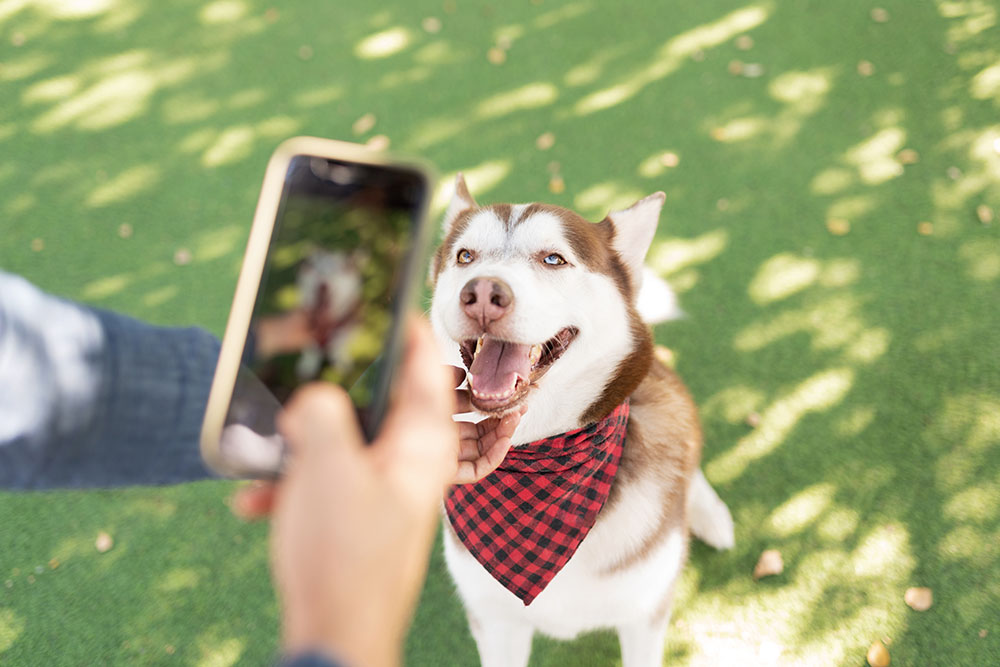
You can help your dog rise to stardom by learning how to take high-quality photos. Studies have shown that photo quality affects engagement and the overall appeal of a post. Photos with interesting subjects, clear images, and colors are more likely to boost engagement, while low-quality photos can lead to less engagement.
This doesn’t mean that you have to become a professional photographer. However, it’ll definitely be worth your while to watch a few photography videos or take a basic photography class. You can even hire a professional photographer to take headshots of your dog or do a pet photoshoot. Make sure to have a retainer of high-quality photos and videos that you can post on social media accounts or send to animal talent agencies.
3. Make Social Media Accounts
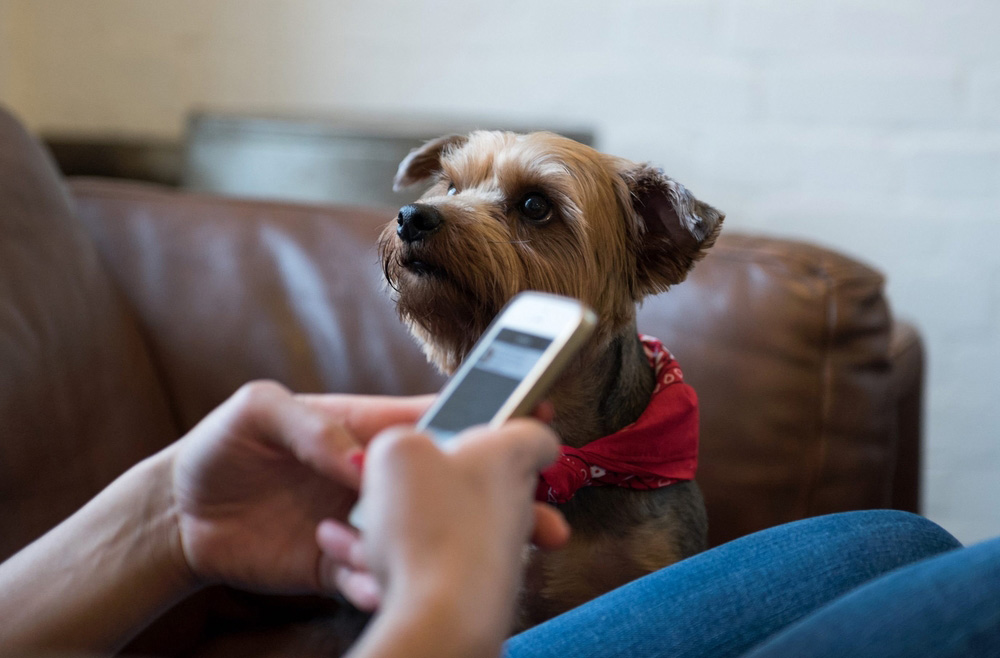
Creating social media accounts specifically for your dog will bring exposure and introduce your dog to a larger audience. It can be a full-time job to manage multiple social media accounts, so focus and invest your time in just one or two social media platforms.
Many dogs find success on Instagram or TikTok and can amass millions of followers. Some famous dog influencers on Instagram include Doug the Pug, Jiffpom, and Mensweardog. While authenticity and uniqueness are important on social media, you can do a little research on these successful accounts for ideas to inspire your own dog’s social media accounts.
4. Let Your Dog’s Personality Shine
Some of the most popular dog personalities have social media accounts that use first-person language for the dogs. When you look at successful dog social media accounts, you’ll notice that many of them have a specific voice and personality for their dogs, and all the captions and comment replies are written in this voice. Tucker the Golden Retriever and Bentley both have excellent examples of posts written and recorded from the perspective of dogs.
So, if your dog has a spunky and cheerful personality, try writing social media captions with a bright tone. If your dog is more mellow, write in a more serious tone. People want to get to know your dog, and using a consistent voice for your dog can help people feel more connected.
5. Engage With Your Online Community
It’s important to reply to comments to boost engagement on your social media posts. Make sure also to use the right hashtags to make your posts easily accessible to your target audience. If you don’t know where to start, try looking at social media accounts that are similar to yours and see what hashtags they’re using. You can also use hashtag research tools, like RiteTag or Keyhole to find relevant hashtags. Just keep in mind that these tools usually require paid membership.
Make sure to also follow and connect with other similar content creators on your social media platforms. Leave comments on their posts and share their content on your own account.

6. Work With Dog Talent Agencies and Pet Product Brands
If you’re interested in getting your dog involved with modeling or booking commercials, consider working with a reputable animal talent agency. Some talent agencies have open casting calls, so you can try searching for events near you.
You can also work with pet product brands to increase your dog’s exposure and earn some money at the same time. Many pet brands will have affiliate programs for dog influencers that you can apply for through their websites. Just make sure to do a background check on the brand before accepting an offer to ensure the brand is reputable and sells high-quality products.
7. Go to Dog Community Events
Dog community events are scheduled year-round, with many events taking place in the spring and summer. These events are great opportunities to connect with other dog influencers and allow more people to meet your dog. You can find many different kinds of dog-friendly events through sites like Eventbrite or BringFido.
If there aren’t any community events taking place near you, you can always host your own. Connect with your local animal rescue organization to see if they’re looking for people to host adoption or fundraising events. If you live in an apartment or condo, you may be able to plan something with your property manager and get all building dogs together to meet and play. Make sure to take plenty of photos and videos to post on your social media accounts.

Safe Practices for Making Your Dog Famous
When you’re working towards stardom, it’s important to be aware of scams and people who are looking to take advantage of you or your dog. Scam companies can quickly flood your inbox once you start posting content about your dog. So, make sure to familiarize yourself with the signs of scams. Scam agencies and companies will usually rush you to sign a contract, promise large salaries and immediate work, and brag about their success even if no one has heard of them.
You can also do a quick Google search on them and read through customer reviews from various sites, like the Better Business Bureau. Look through the company’s website and look for accreditations from reputable third-party organizations. If you’ve come across a scam company, you can report them to the user support service for whichever social media platform you’re using.
The bottom line is that when you’re working with other people and companies, make sure to listen to your gut and look out for any red flags or warning signs. It can save you a lot of money in the long run and protect both you and your dog from harm.
Conclusion
There’s no denying that it usually takes a lot of work and time to build up your dog’s popularity. It’s important to invest in an active social media account and interact with fans and commenters regularly. Another way you can gain exposure is to work with pet product brands or network with other dog influencers. If your dog has the obedience skills and temperament, they may also thrive as dog models.
Working towards stardom can be a great way for you and your dog to bond and spend more time together. It does involve a lot of work, so make sure that you’re having plenty of fun throughout the process.
Featured Image Credit: Beach Creatives, Shutterstock
Contents
- The 7 Tips to Make Your Dog Famous
- 1. Work on Obedience Training
- 2. Learn to Take High-Quality Photos
- 3. Make Social Media Accounts
- 4. Let Your Dog’s Personality Shine
- 5. Engage With Your Online Community
- 6. Work With Dog Talent Agencies and Pet Product Brands
- 7. Go to Dog Community Events
- Safe Practices for Making Your Dog Famous
- Conclusion